Understand what’s happening.
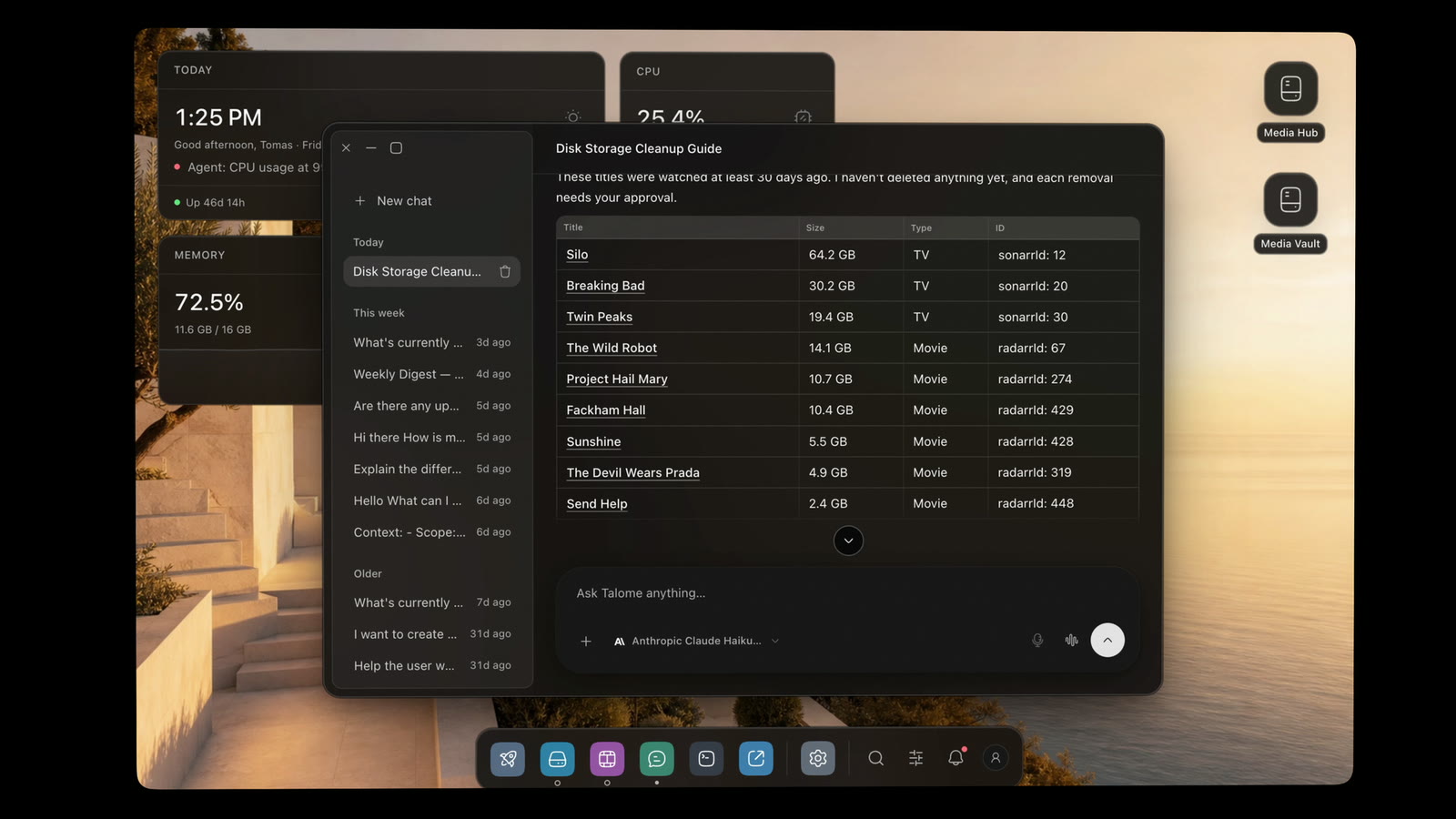
Ask where the space went. Talome checks, explains and suggests the next step.
My disks are almost full. Where should I start cleaning up?
The home server you can talk to. A desktop for your apps, files and media, and an assistant that does the work.
A question becomes an explanation. A request becomes a task. You stay part of the decision.
Ask where the space went. Talome checks, explains and suggests the next step.
My disks are almost full. Where should I start cleaning up?
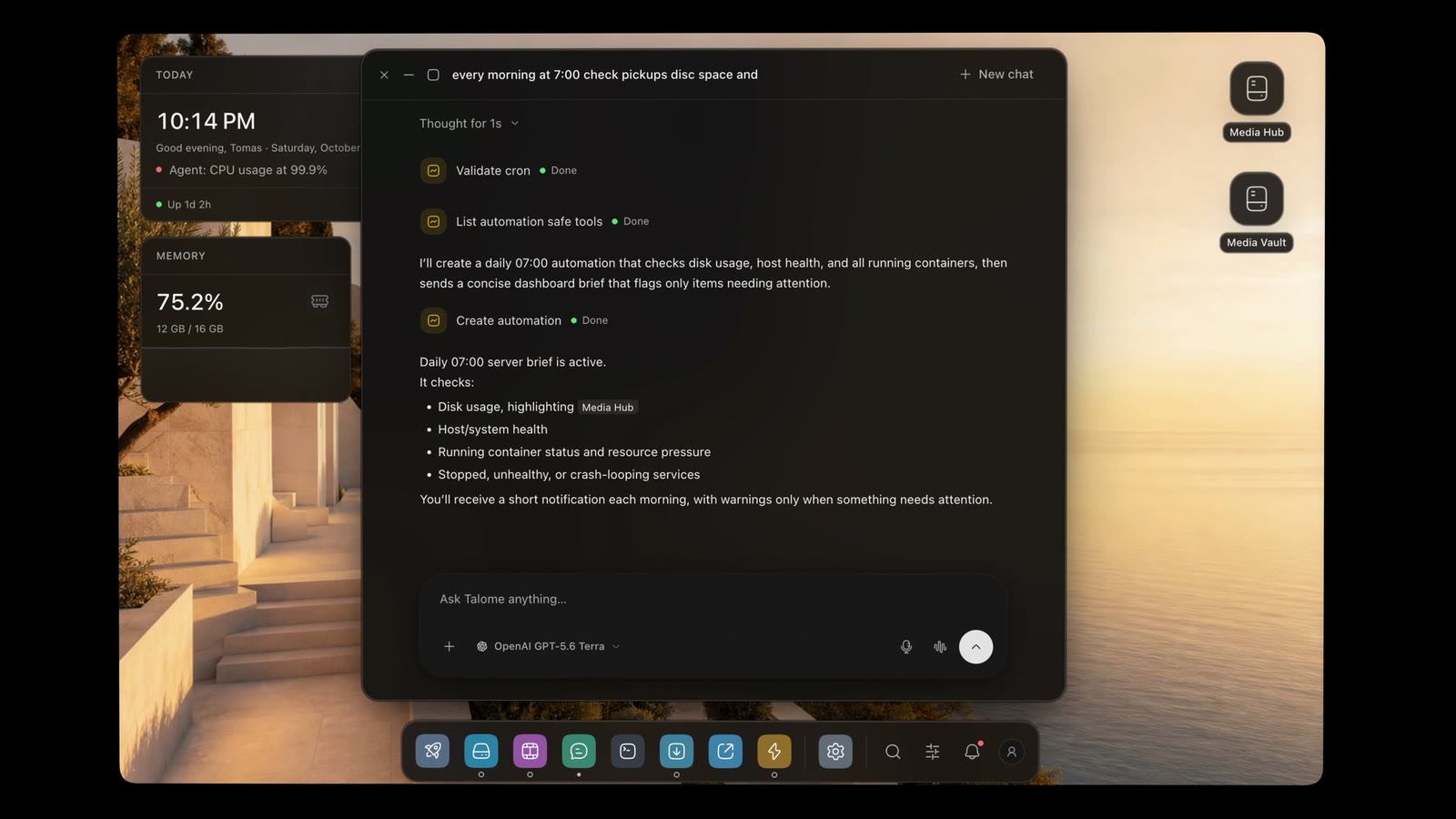
One request becomes a daily brief that flags what needs you.
Every morning at 7, send me a server summary.
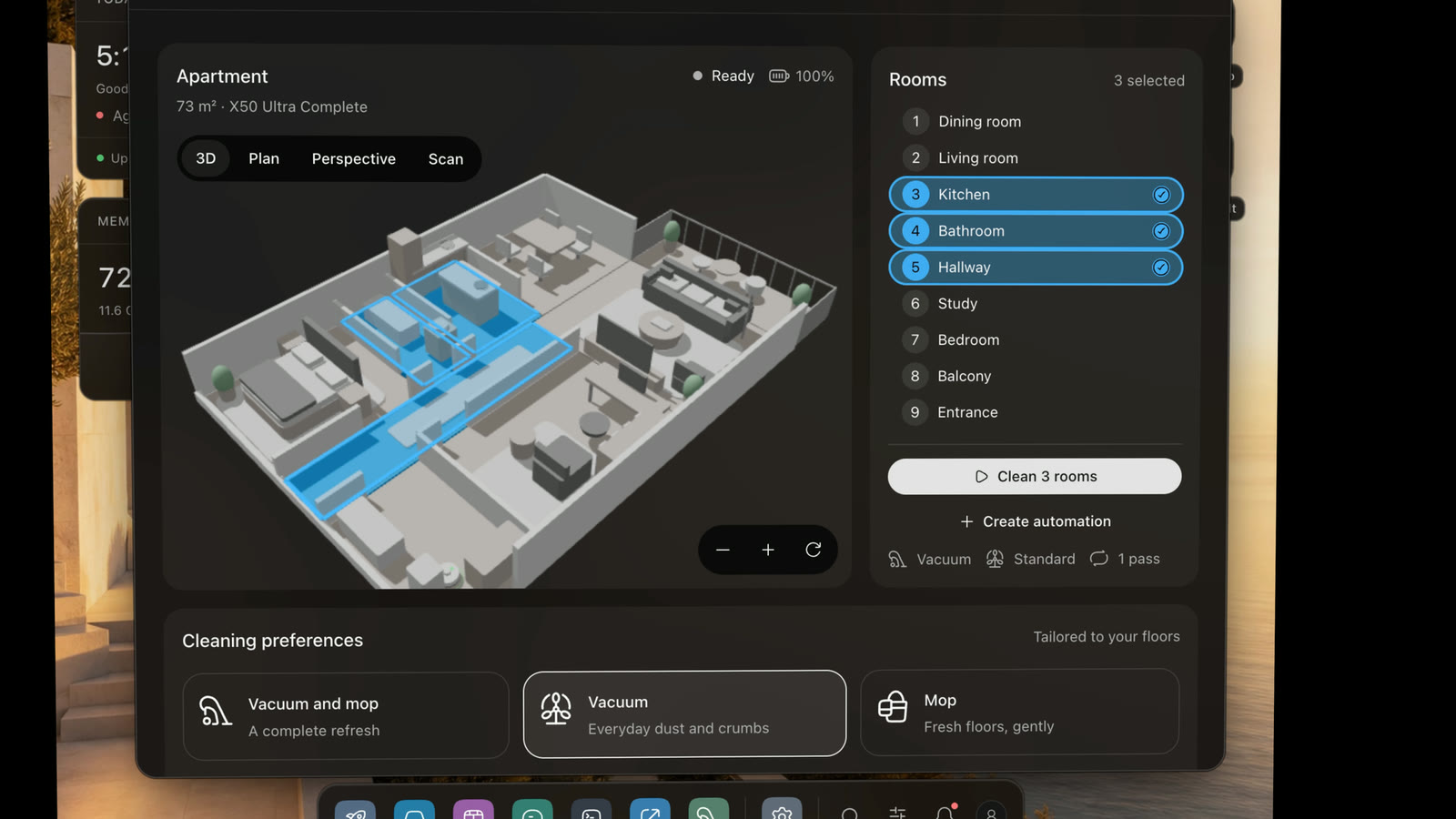
Describe it. Talome builds it on the apps you already run.
Make an app for my vacuum with a 3D plan of my flat.
Ask what to watch, check on the server, change your mind. Keep talking, with the transcript beside you.
A scripted example. The page does not use your microphone.
Set the operating mode, review approvals and keep an eye on usage. The decision stays with you.
Set its boundaries.
Choose how much agents may do on your server.
Security mode
When an agent asks to…
Pick a mode above to see what changes.
Claude Code, Cursor or Claude Desktop can work on your server over MCP. Each one connects with its own token and only the access you give it.
https://talome.local/api/mcpConnected agents1
Claude Code’s access
Everyday changes. Start, stop and configure apps, manage media and automations.
Its calls, checked one by one
A service stops answering at 3 a.m. Talome notices, finds out why, fixes what it safely can and checks that the fix held. Every step leaves a record.
 JellyfinMedia server · port 8096Healthy · 40 ms
Watching
It follows Docker as things happen, and runs a full check on the schedule your budget sets.
Jellyfin is healthy.
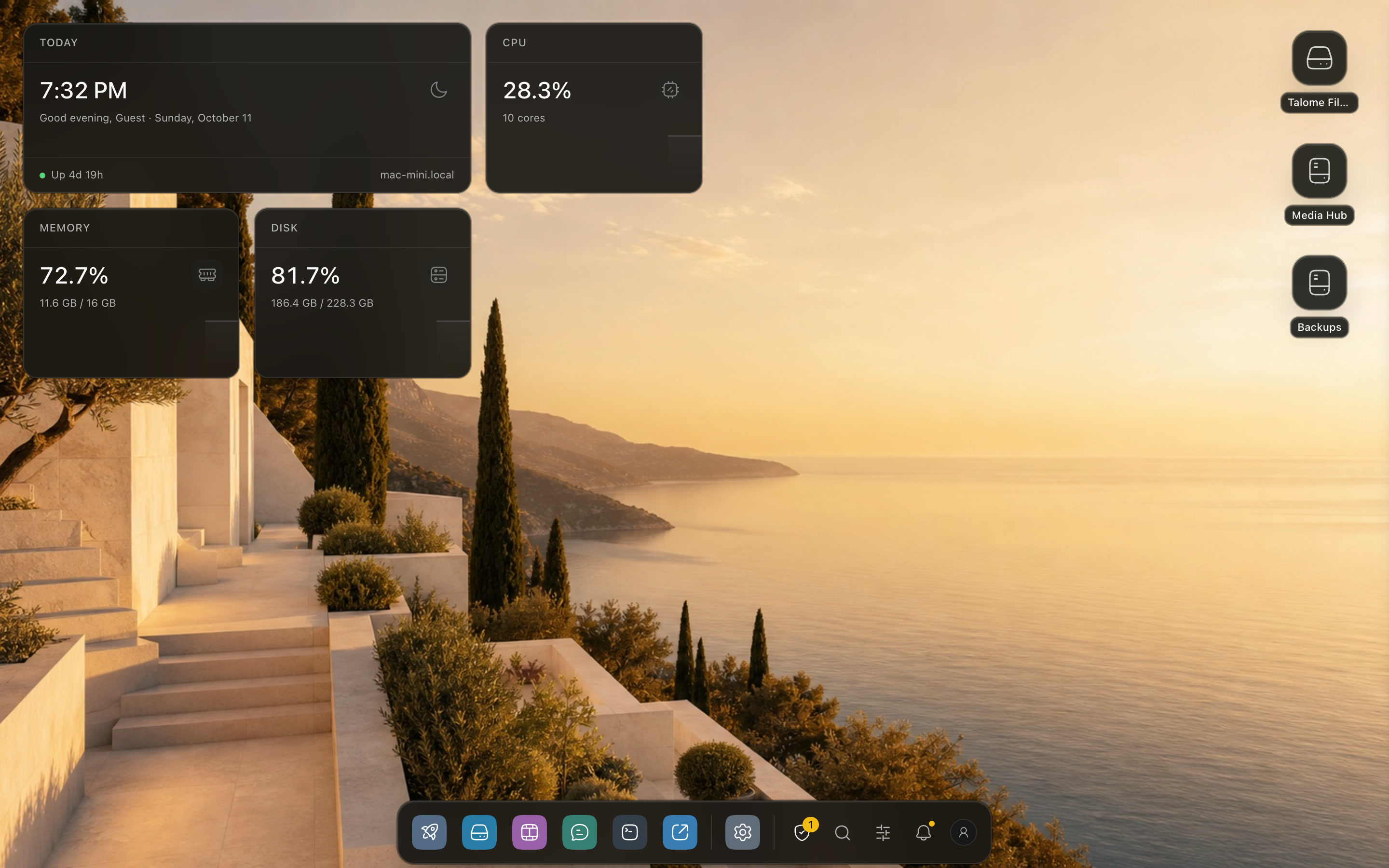
Your apps, files and media share a desktop. Open them together, keep your work in view and move between them without leaving Talome.
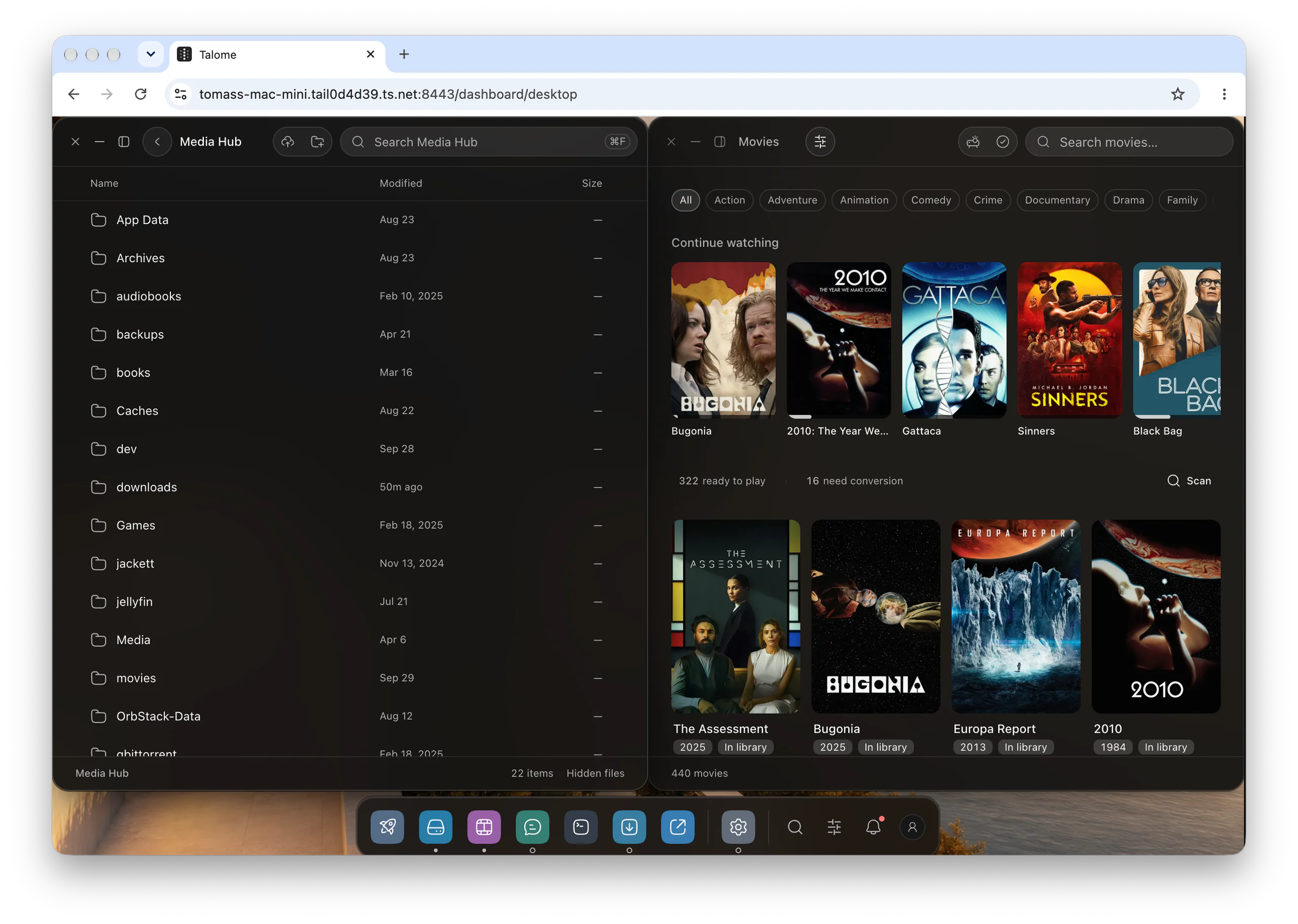
Windows
Open what you need next to each other, snap it to a half, and leave it there.
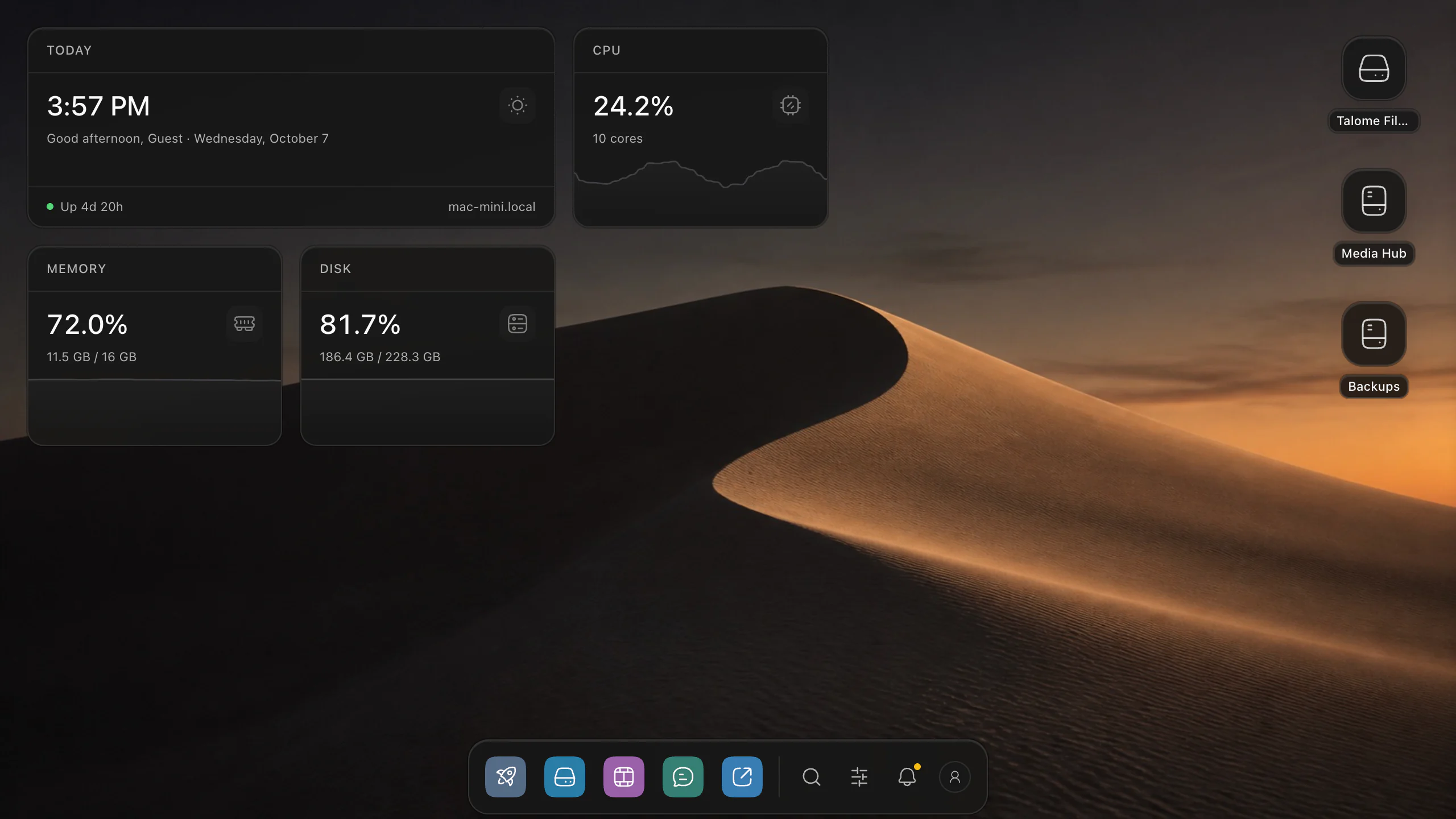
Desktop
Choose your widgets. Keep your server and drives in view.
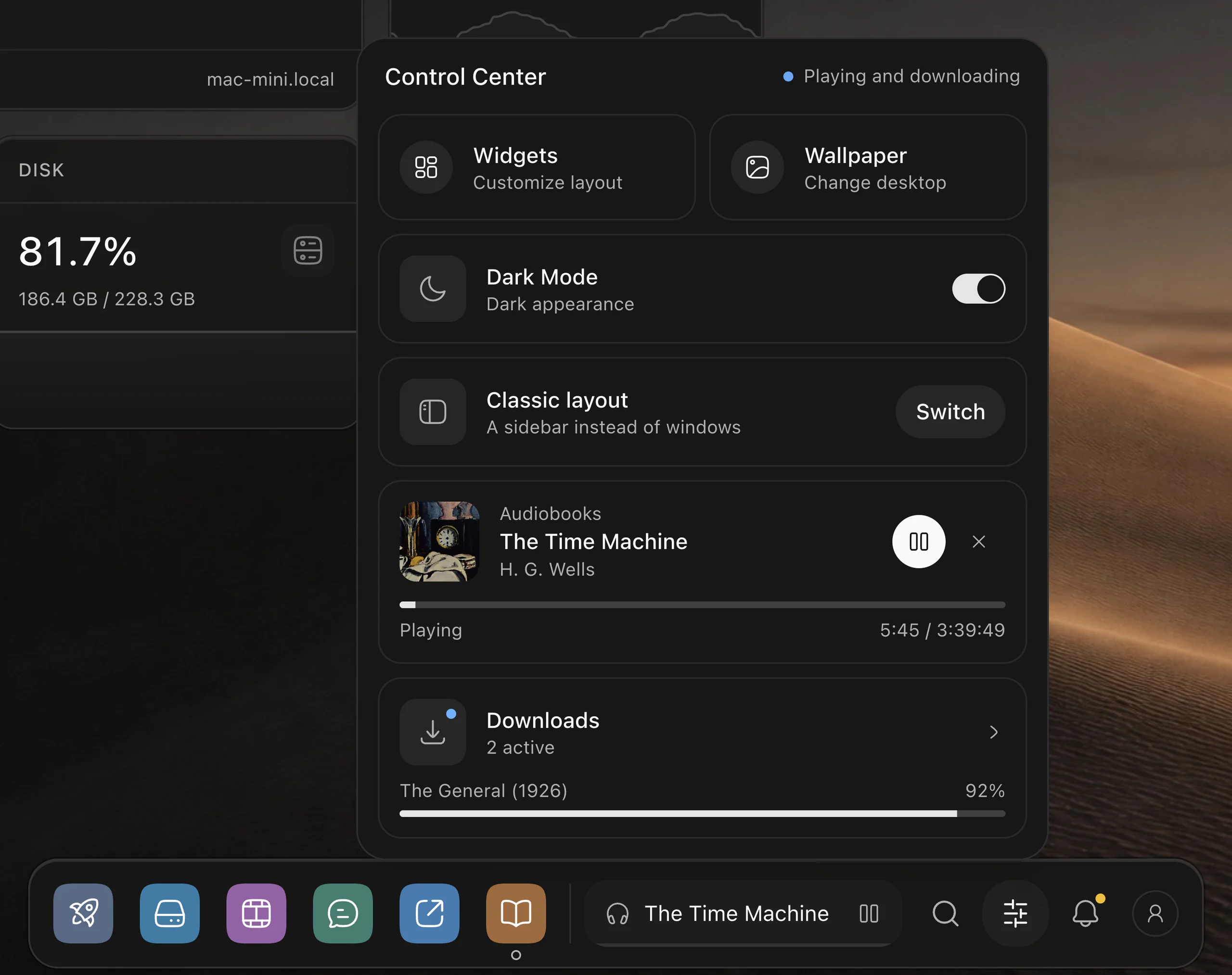
Control Center
Audiobooks, downloads and desktop controls, from the Dock.
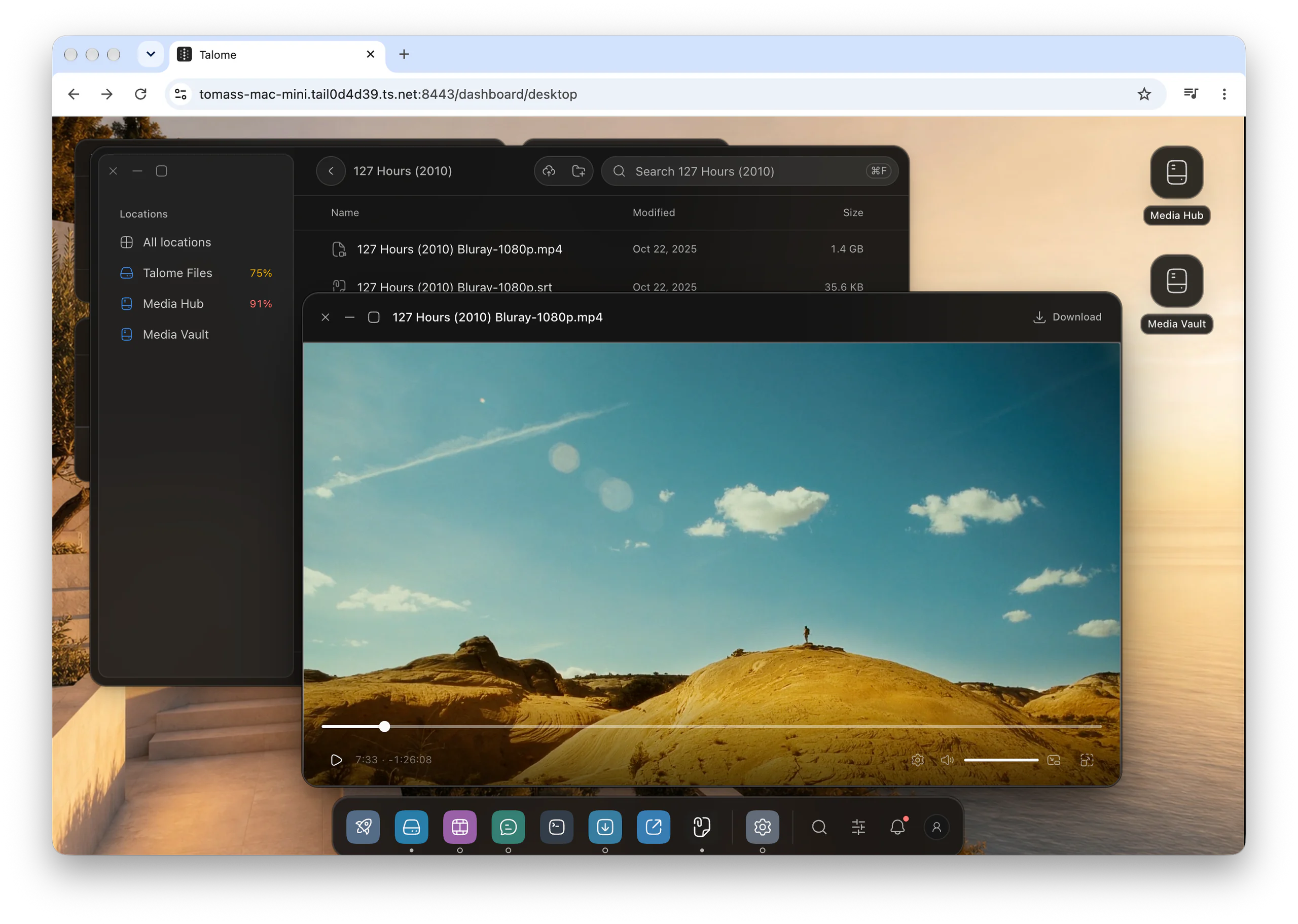
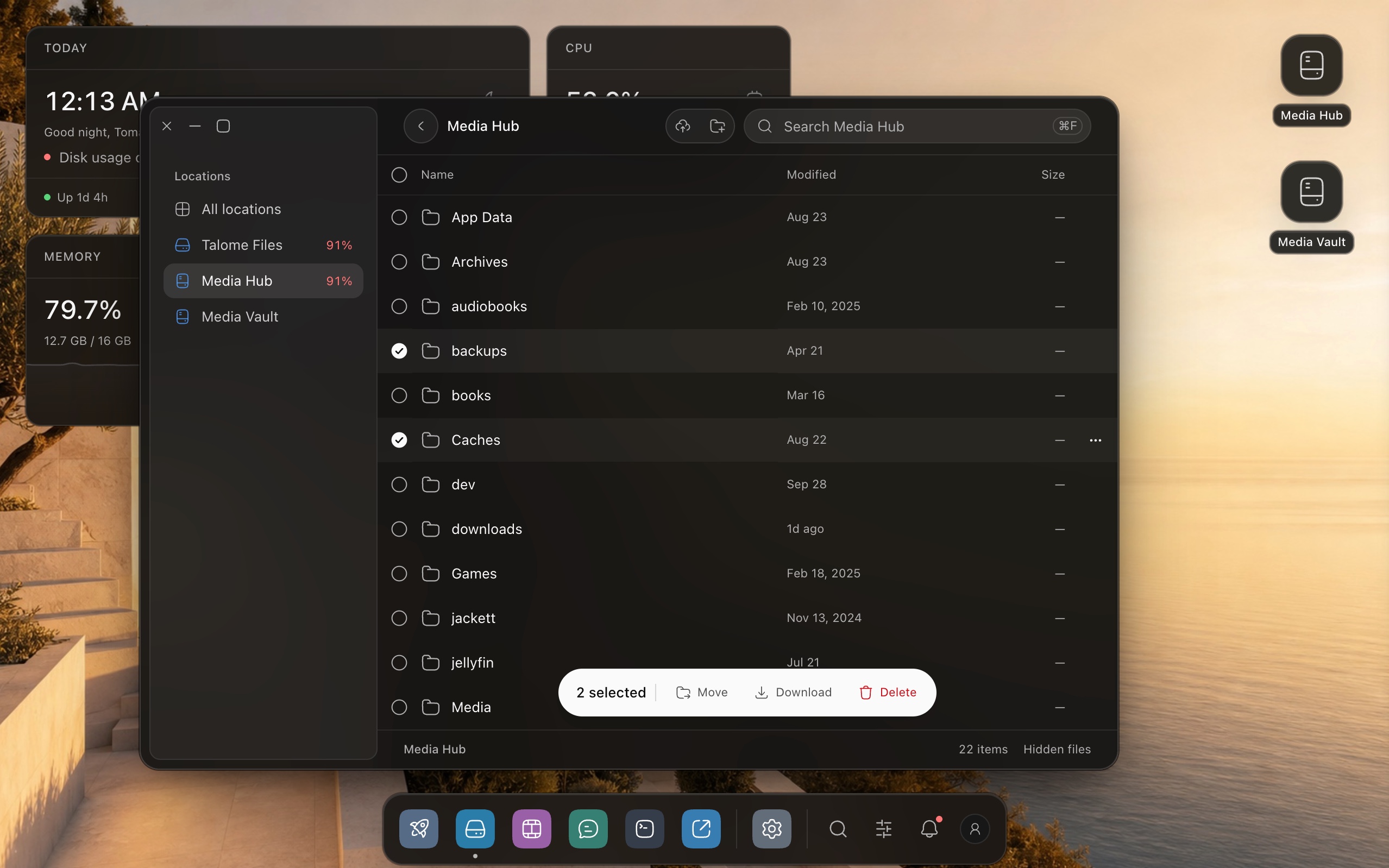
Files and Quick Look
Open a file directly in Quick Look. Your drives stay on the desktop, your work stays in view.
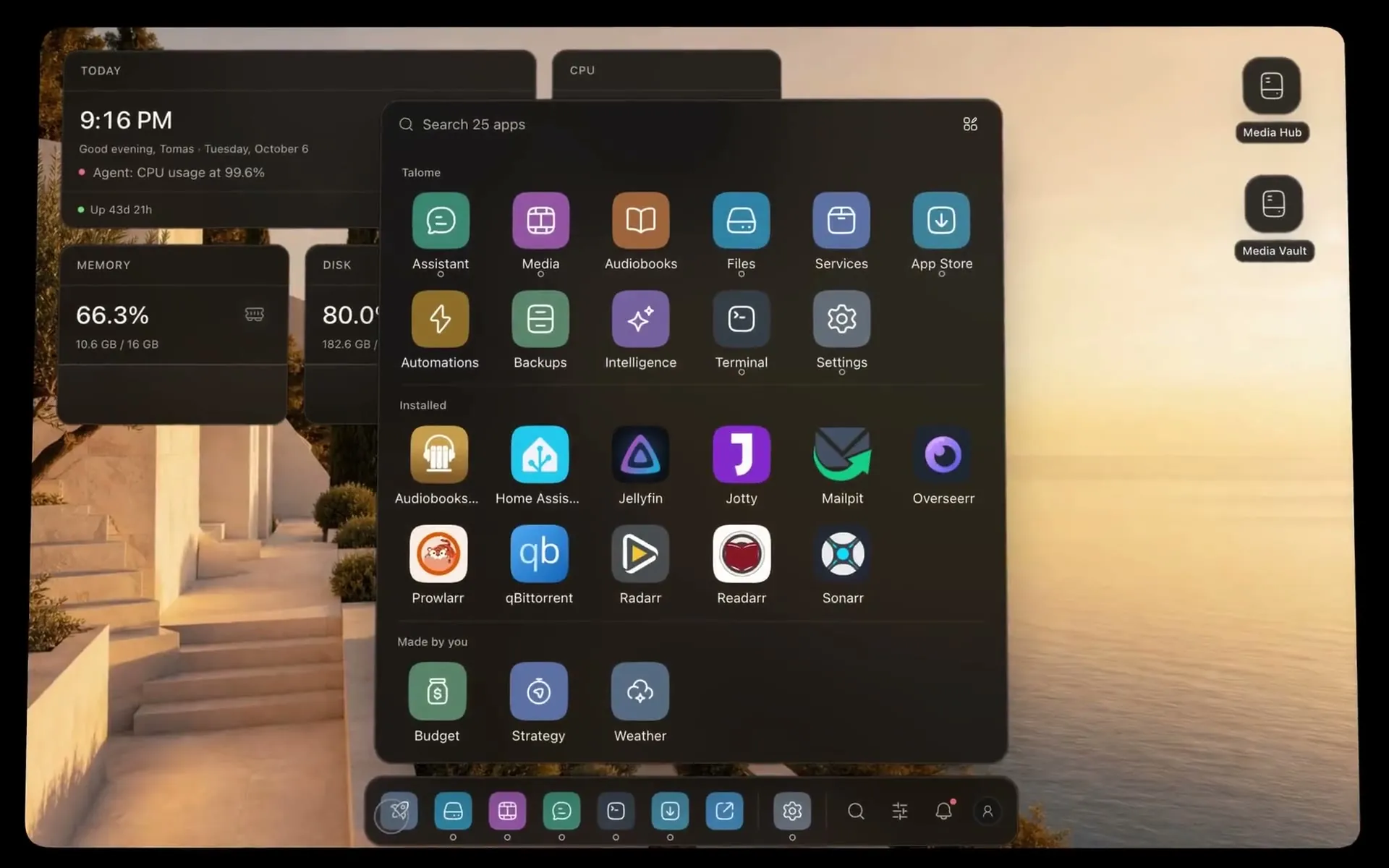
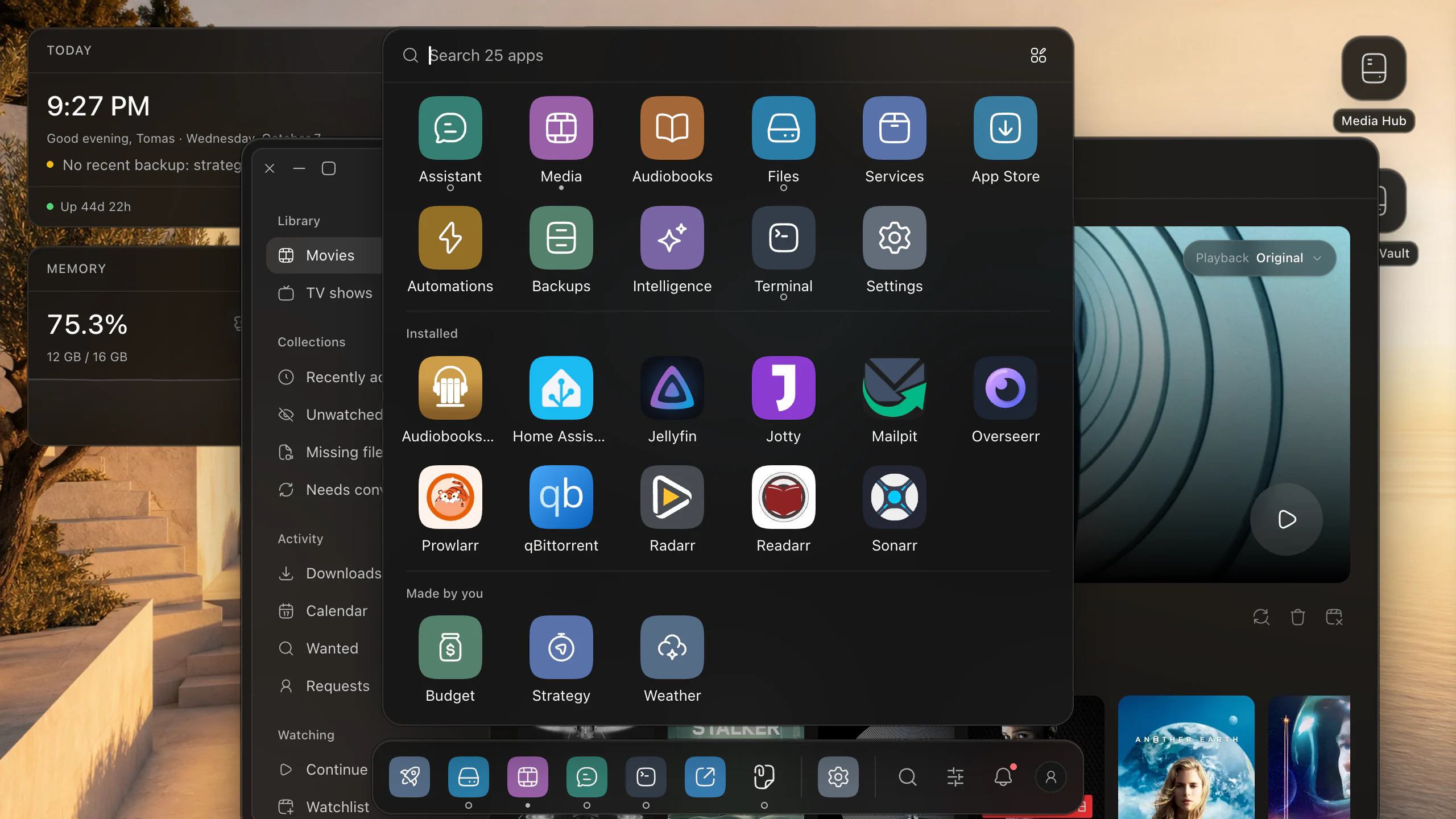
Launchpad
From every store, including the ones you made.
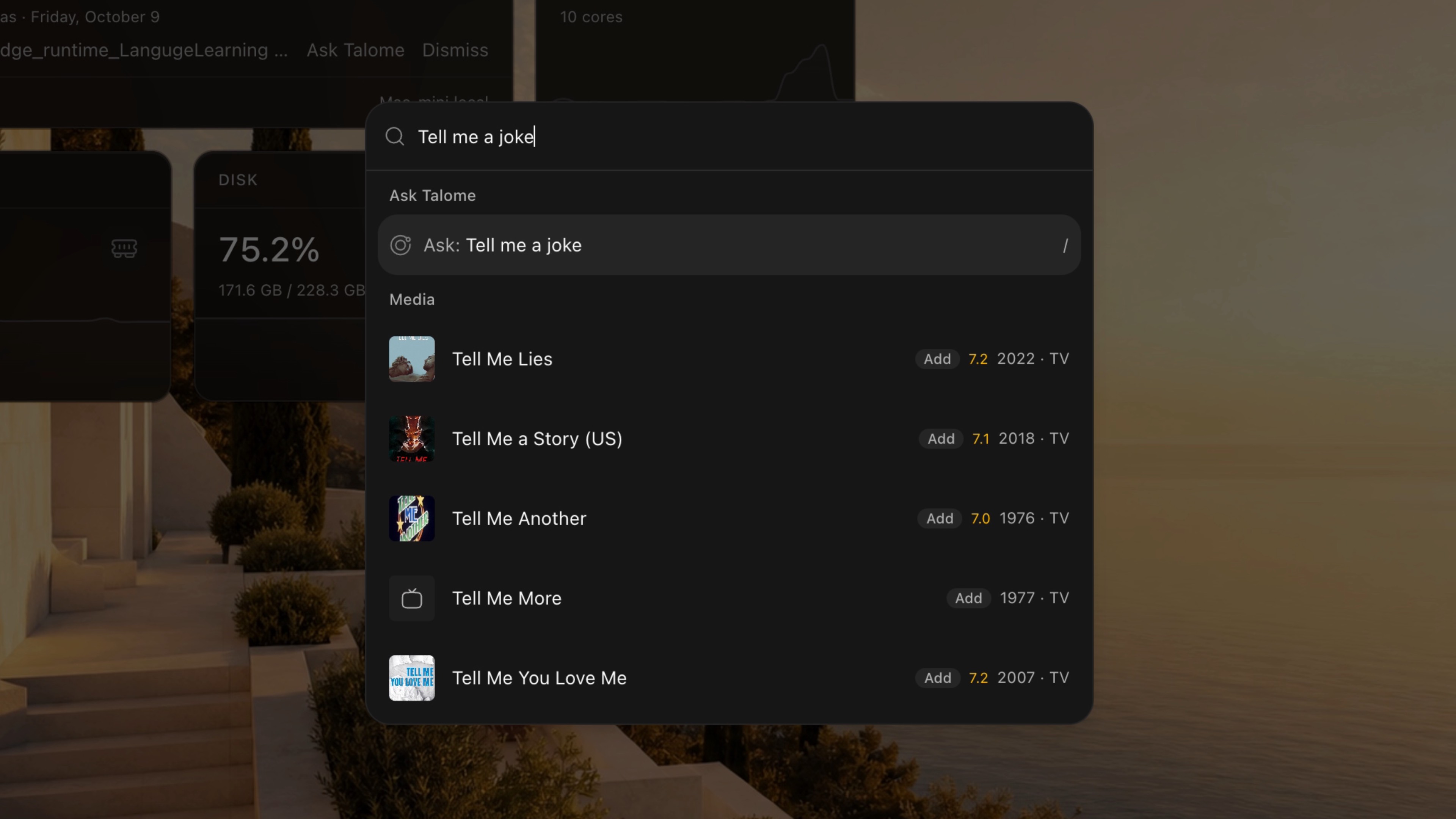
Search
Apps, media, containers, automations. Or just ask.
A desktop or a sidebar. Your apps and conversations stay with you.
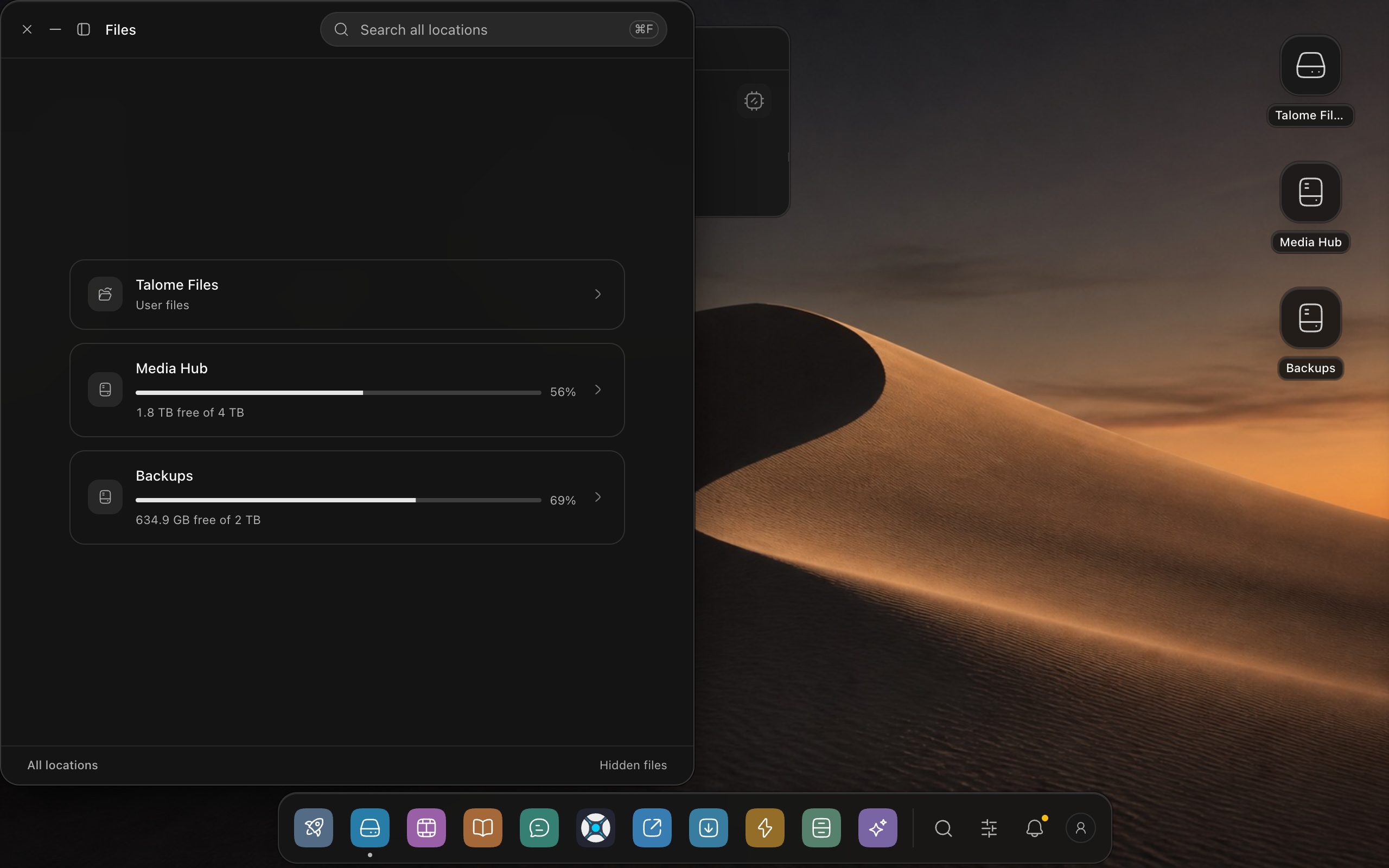
Files
Browse mounted drives, find a file and open it without losing your place.
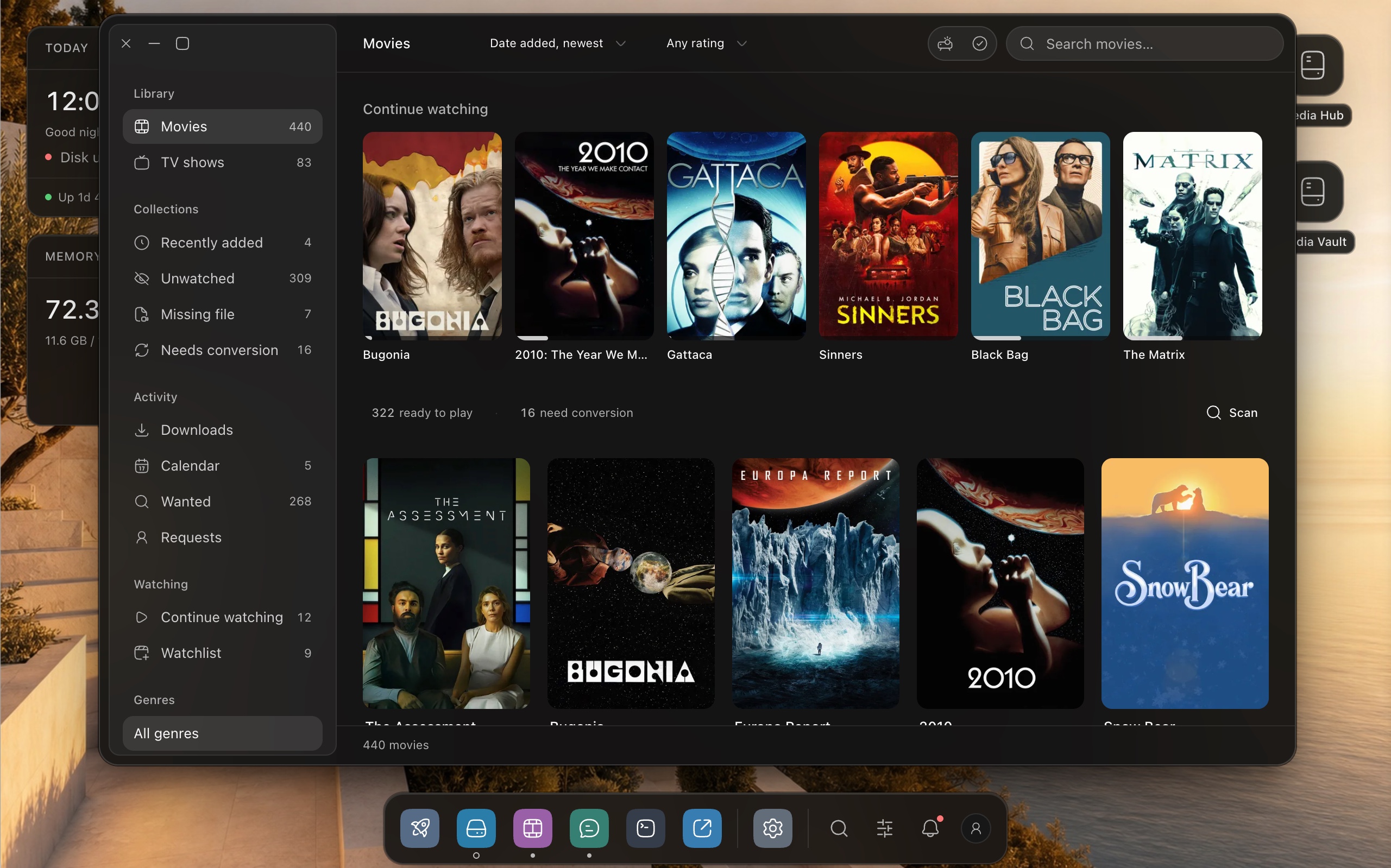
Movies
Browse films and series, choose something to watch and pick up where you left off.
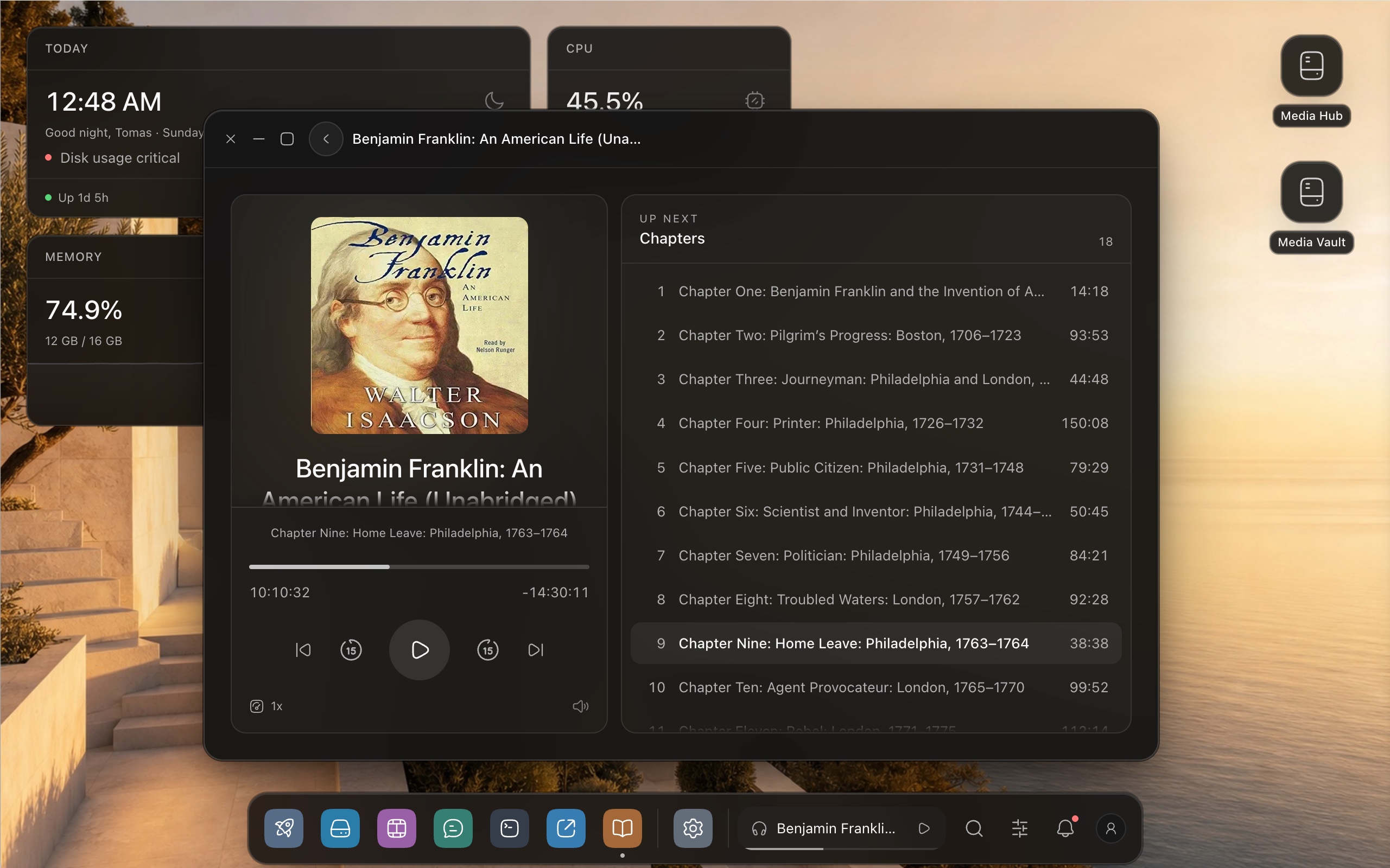
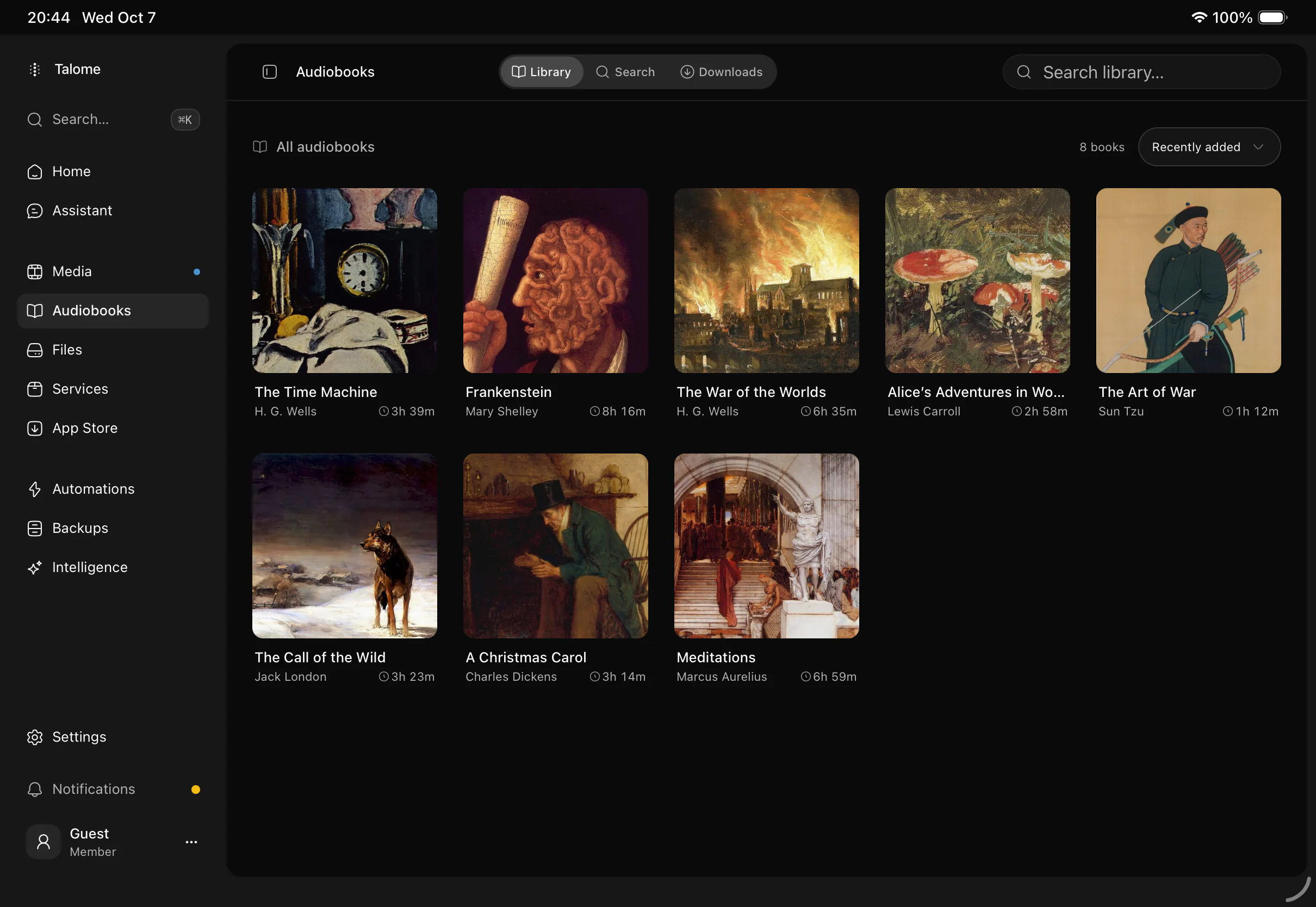
Audiobooks
Your books, chapters and listening progress, with playback controls close at hand.
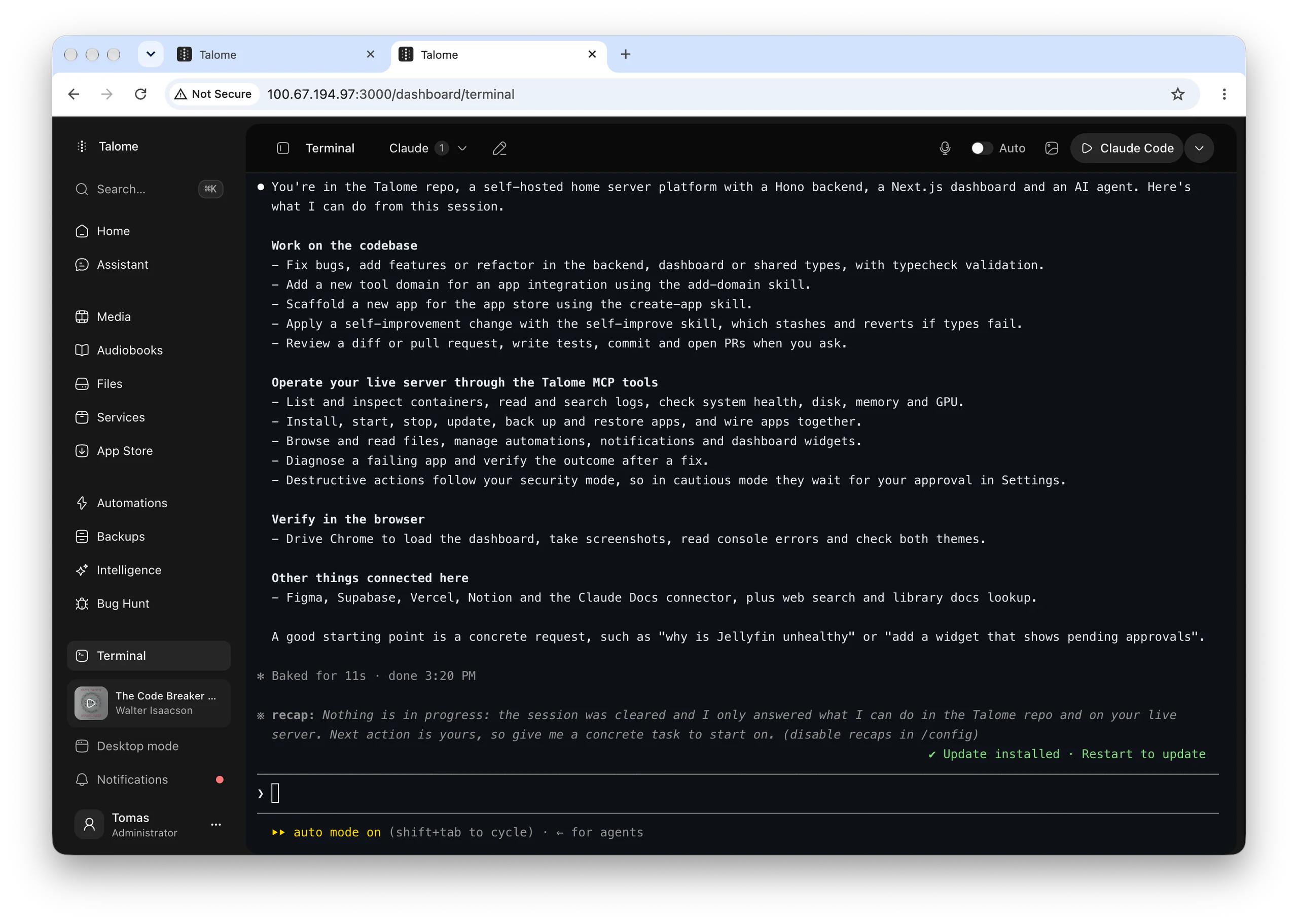
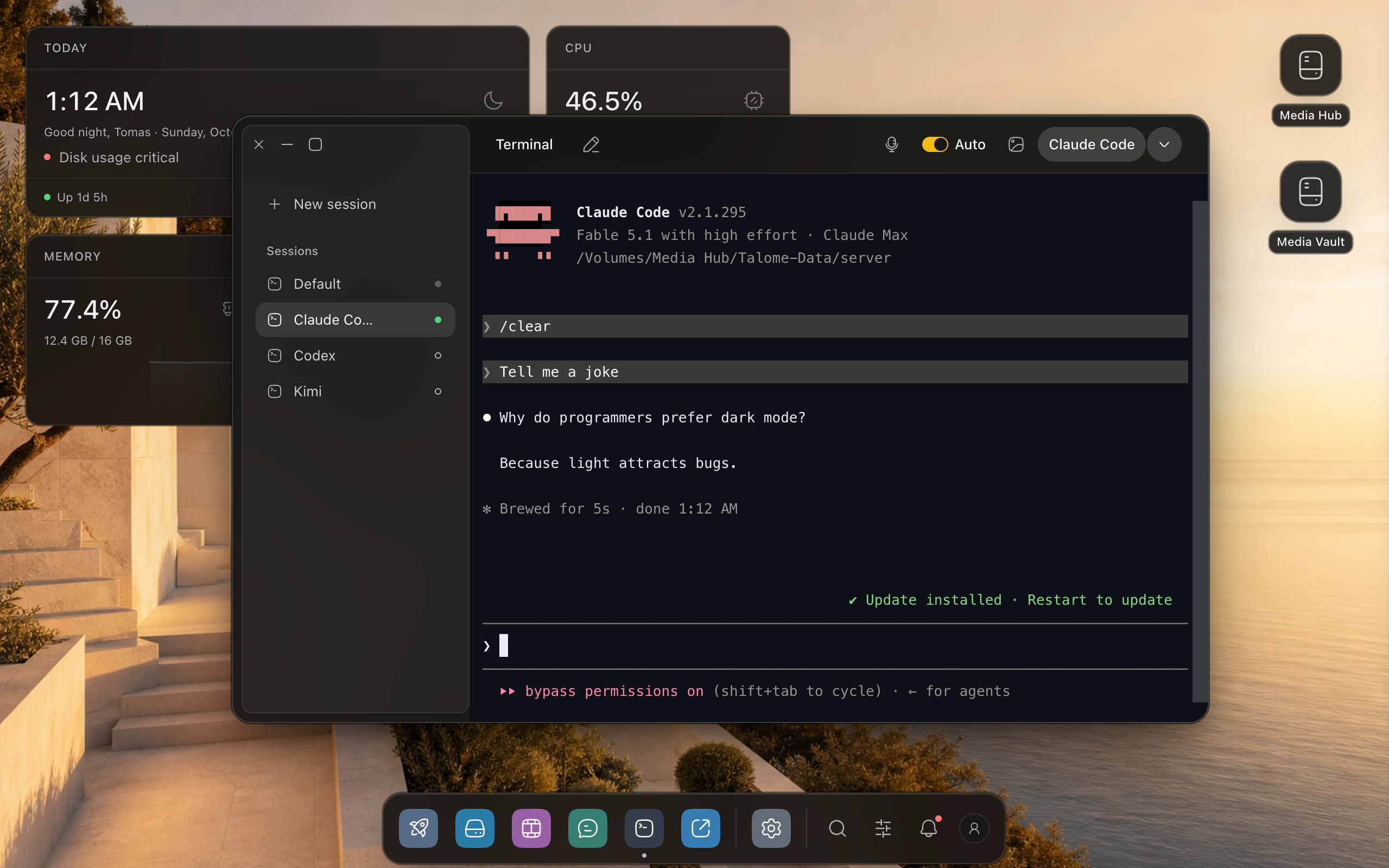
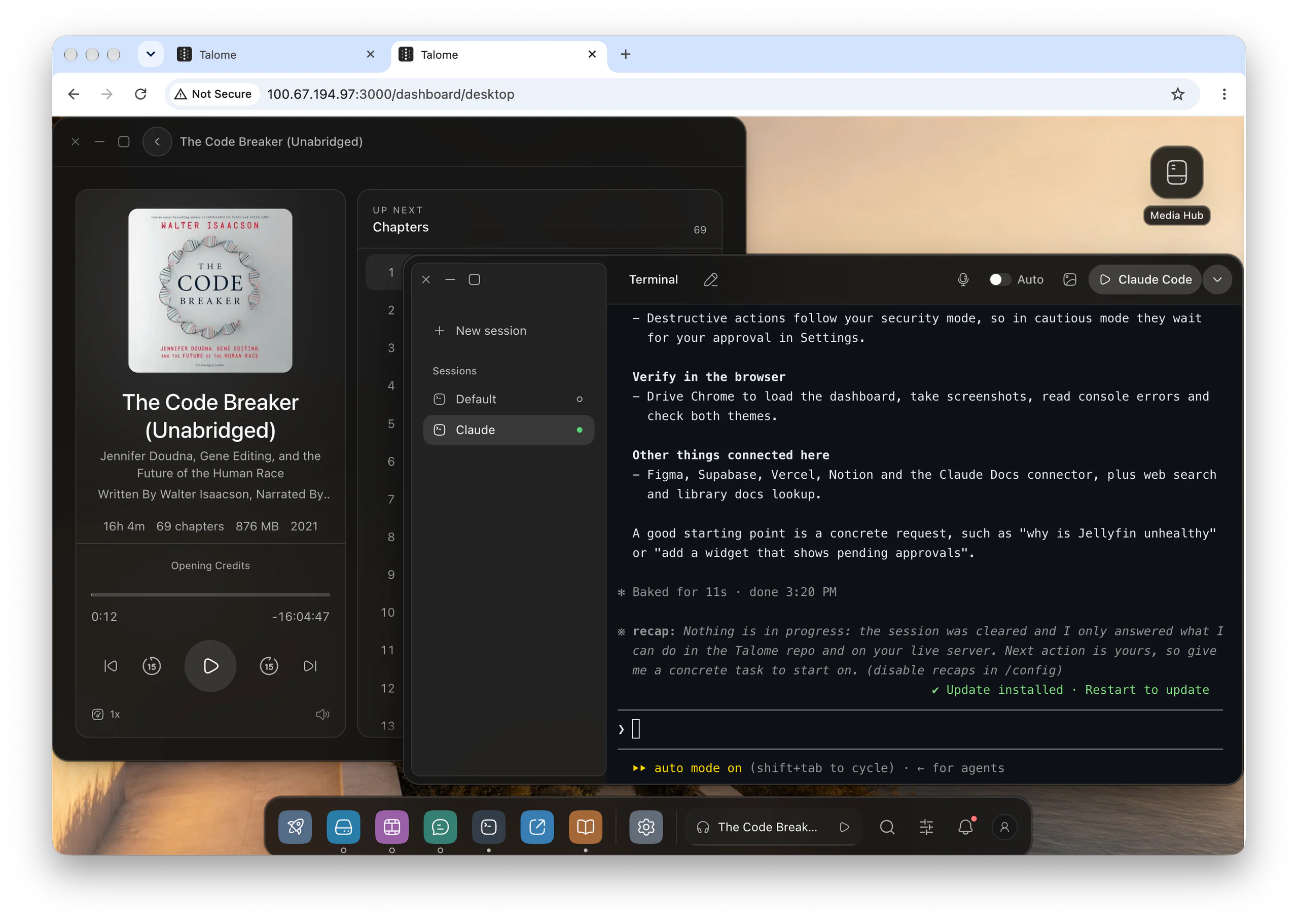
A terminal on your desktop, running on your server. Close the tab and the session keeps going. Start Claude Code in one click, or any agent you install by typing its name.
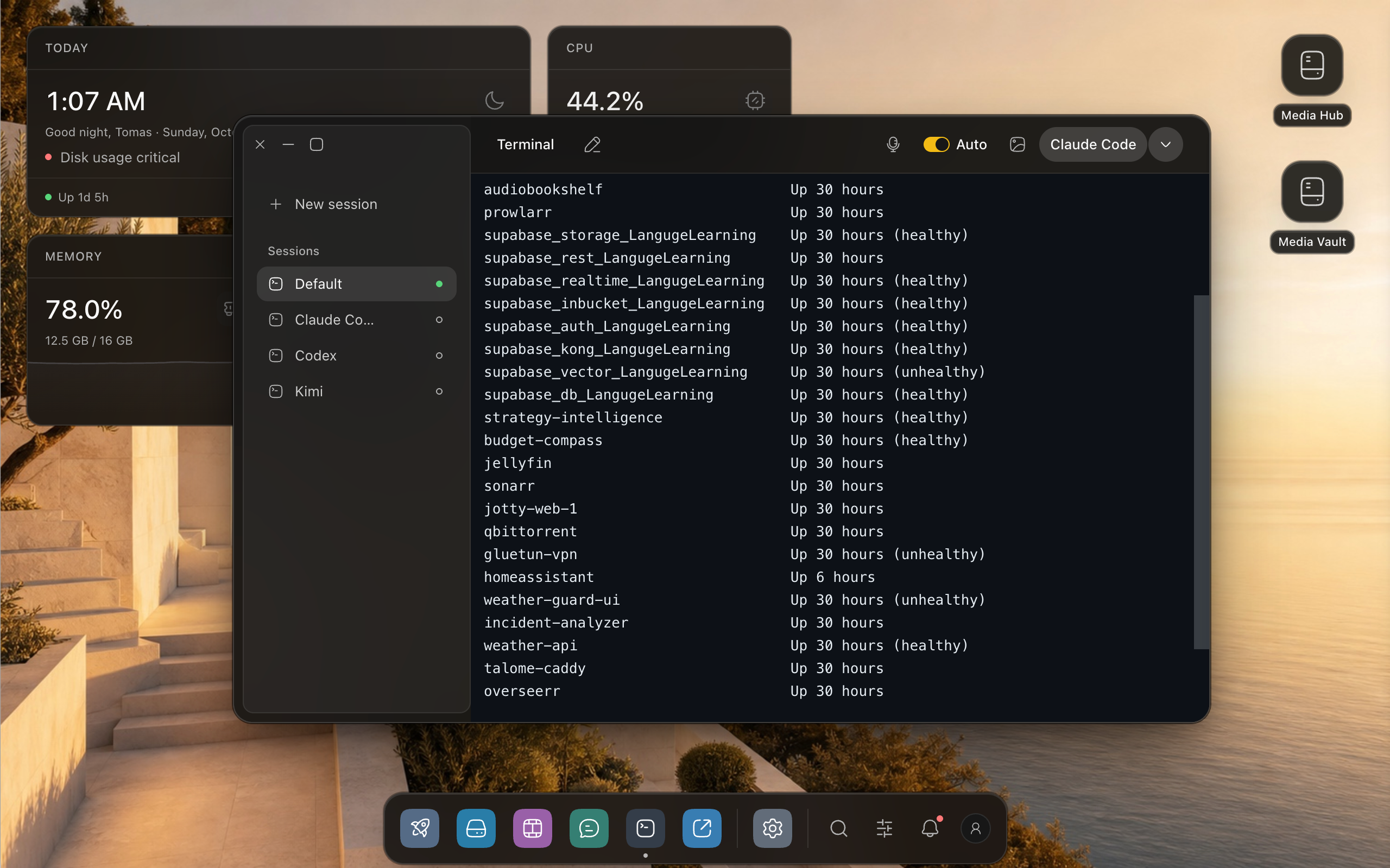
Sessions live in tmux on your server, scrollback included. Come back tomorrow and the shell is where you left it.
Claude Code starts from the toolbar in one click. Codex, Kimi or any other agent you install starts by typing its name.
The shell runs in its own process, so the dashboard can restart without dropping it.
Talome's own apps, apps packaged for CasaOS and Umbrel, and the ones you make. Install one, or a connected stack.
Choose an app to open it.
At your desk, on your phone, or in a chat on Telegram or Discord. The server stays home.
Talome is a page in your browser. Open talome.local and your whole desktop is there.
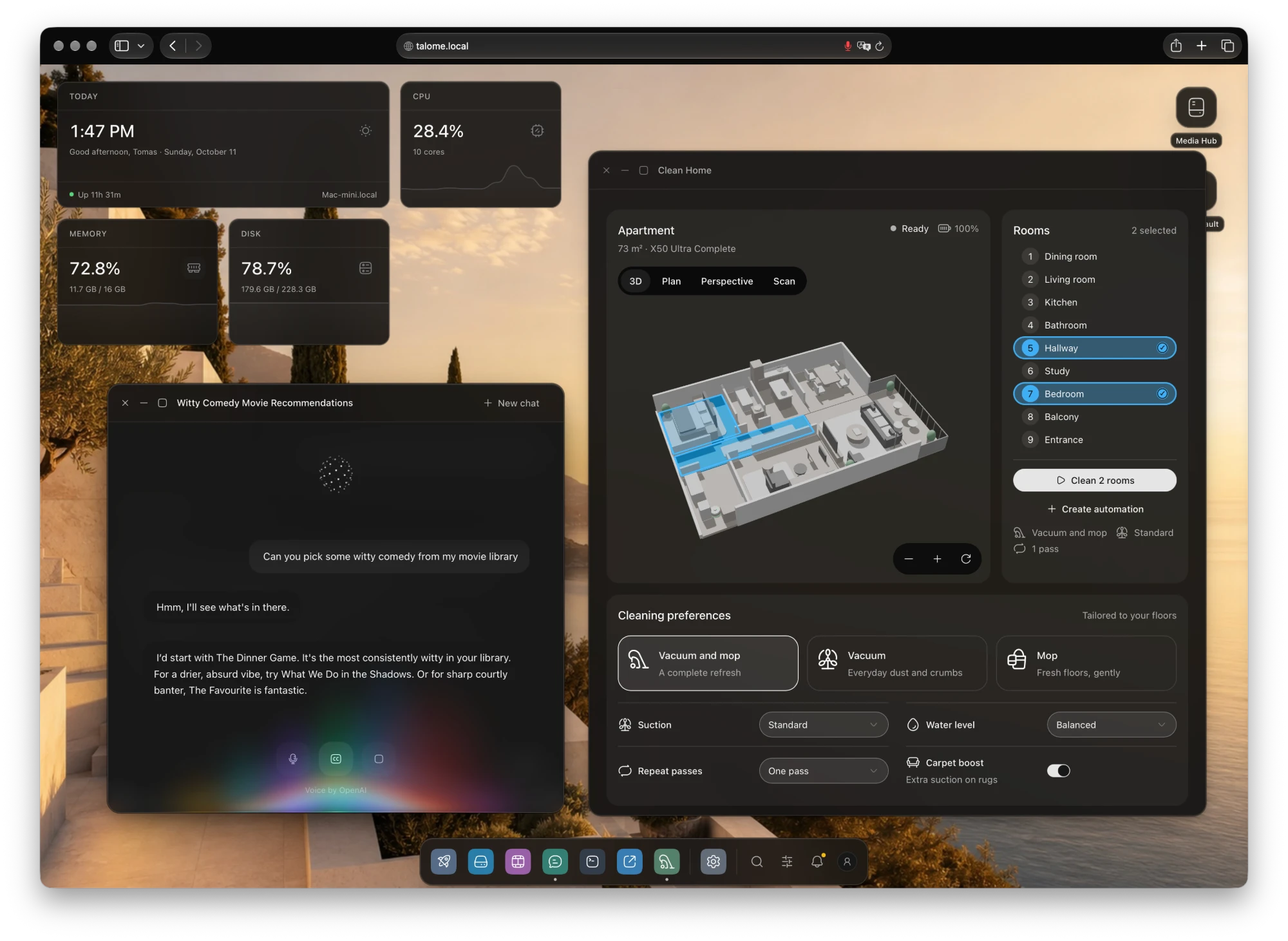
Browse your library on a larger touch screen, from a Home Screen app.
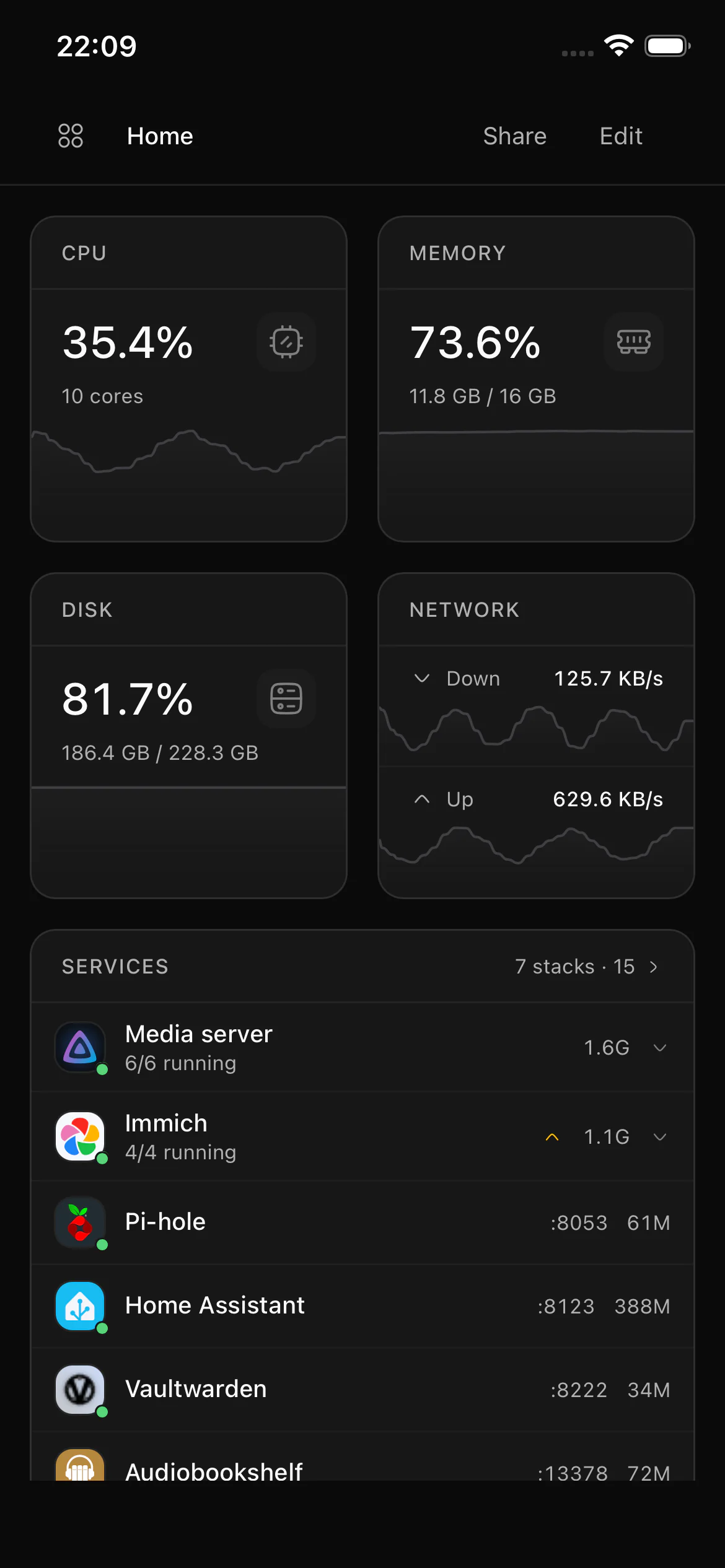
Add Talome to your Home Screen. It opens like an app, with your server at a glance.
Connect Telegram or Discord to ask a question and receive alerts.
Server status?
All 8 stacks are running. The internal disk is at 82%.
Alert: last night’s backups finished. All 3 verified.
Phone and iPad screens are Simulator captures. Chat and remote access need to be set up first.
Keep your apps at home. Choose where your AI runs.
The hosted demo is live. The source code and self-hosted installer will be public soon under AGPL-3.0.